


No-code: a real game-changer for anyone who wants to transform an idea into a concrete project, quickly and without technical skills. In this article, we explore the best no-code platforms that will save you time and money in 2025.
What is no-code and why adopt it?
No-code refers to a development approach that allows you to create websites, applications or automations without having to write a single line of code. By relying on intuitive interfaces and drag-and-drop functionalities, these tools make creation accessible to everyone, whether startups, SMEs or individuals.
The advantages of no-code
Accessibility 🔓 No need for technical skills, paving the way for large-scale innovation.
Save time ⏱️ Quickly create and test prototypes or launch products in record time.
Cost Reduction 🤑 Less dependence on expensive developers or technical teams.
Flexibility 📈 Adapt and evolve your projects as needed.
The rise of no-code has revolutionized the way businesses and individuals bring their ideas to life. Today, there are powerful tools allowing you to create a showcase site, an application or an e-commerce site without any development skills.
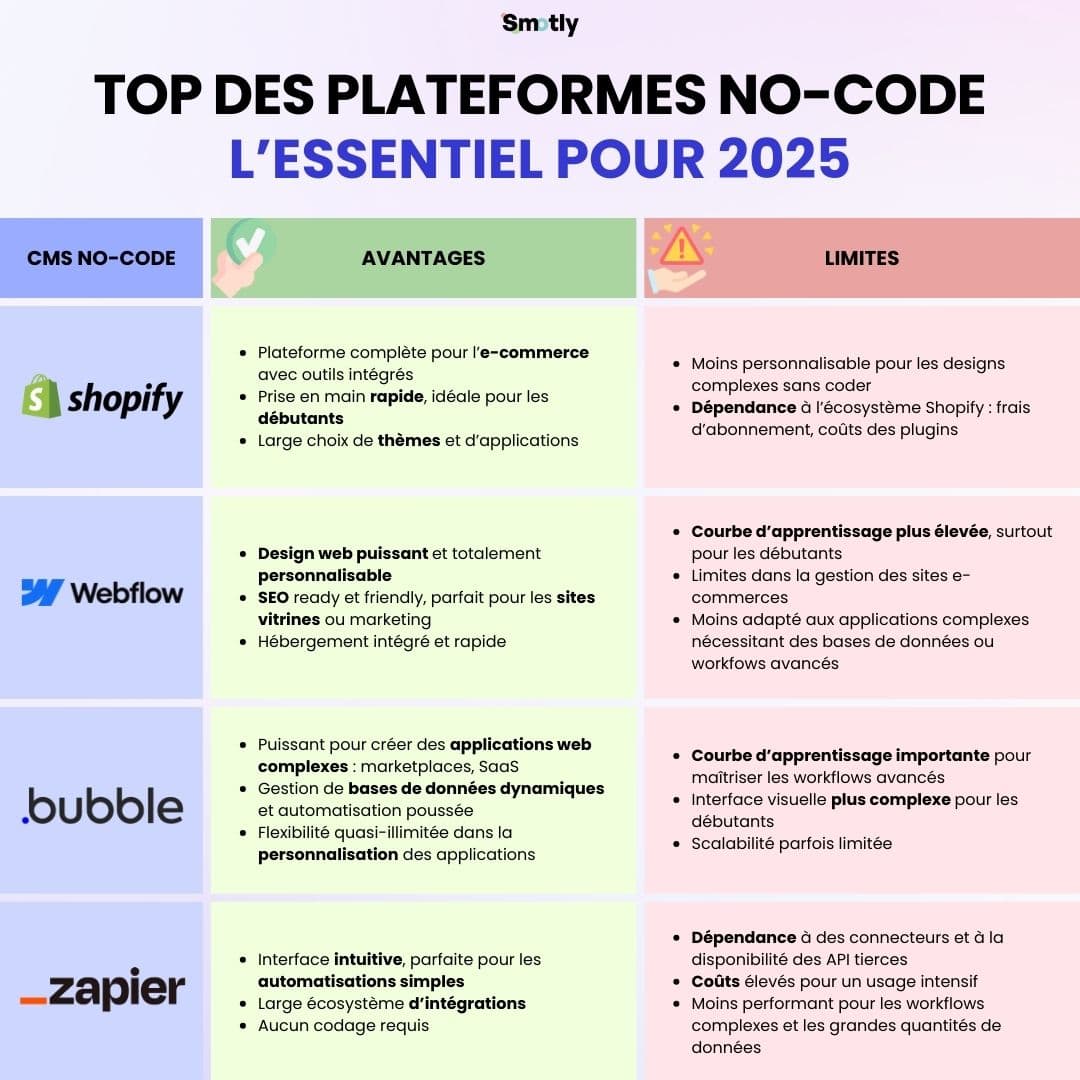
Here is a summary of the best no-code solutions available on the market in 2025. Do not hesitate to read the entire article to find out more about each of the solutions.
Shopify: the no-code CMS reference for e-commerce in 2024

Shopify is the essential no-code solution for creating, managing and growing an online store. Thanks to an intuitive interface and customizable themes, it allows users to design aesthetic and functional sites adapted to various sectors. With scalable features, Shopify is aimed at both small entrepreneurs and large international brands.
“Making trade better for everyone”
👥 Who is Shopify for?
🤝🏻 What level of accessibility?
Shopify is designed to meet the needs of a wide range of users:
- Individual entrepreneurs who want to launch a store without technical skills.
- SME looking for an effective solution to grow online.
- Large businesses needing a scalable platform to manage high sales volumes or an international presence.
Shopify is extremely accessible. Its quick handling and 24/7 customer support (via chat, email and telephone) allow even novice users to launch their store in a few hours.
☘️ The main advantages of Shopify
Advanced management features
Inventory management, automatic tax calculation, order tracking, and payment integration.
Integrated marketing tools
Email campaigns, promotional codes, powerful SEO, and easy integration with social networks like Instagram and Facebook.
Application marketplace
Access to over 6,000 third-party apps to add features like dropshipping, loyalty programs or chatbots.
Omnichannel ecosystem
Shopify allows you to sell simultaneously on different channels, including marketplaces (Amazon, eBay) and physical points of sale via Shopify POS.
Scalability
Able to handle rapid growth without compromising performance, making it ideal for rapidly expanding businesses.
🚫 The limits of no-code with Shopify
Although Shopify excels in simplicity and functionality, there are some limitations to consider:
- Transaction fees if you don't use Shopify Payments.
- Additional costs related to premium applications.
- More advanced theme customization sometimes requiring coding skills (via Liquid, Shopify's proprietary language).
Shopify in action: concrete examples

Gymshark
This sportswear brand has built its global empire on Shopify, leveraging its features to handle high demand during promotions, including Black Friday.
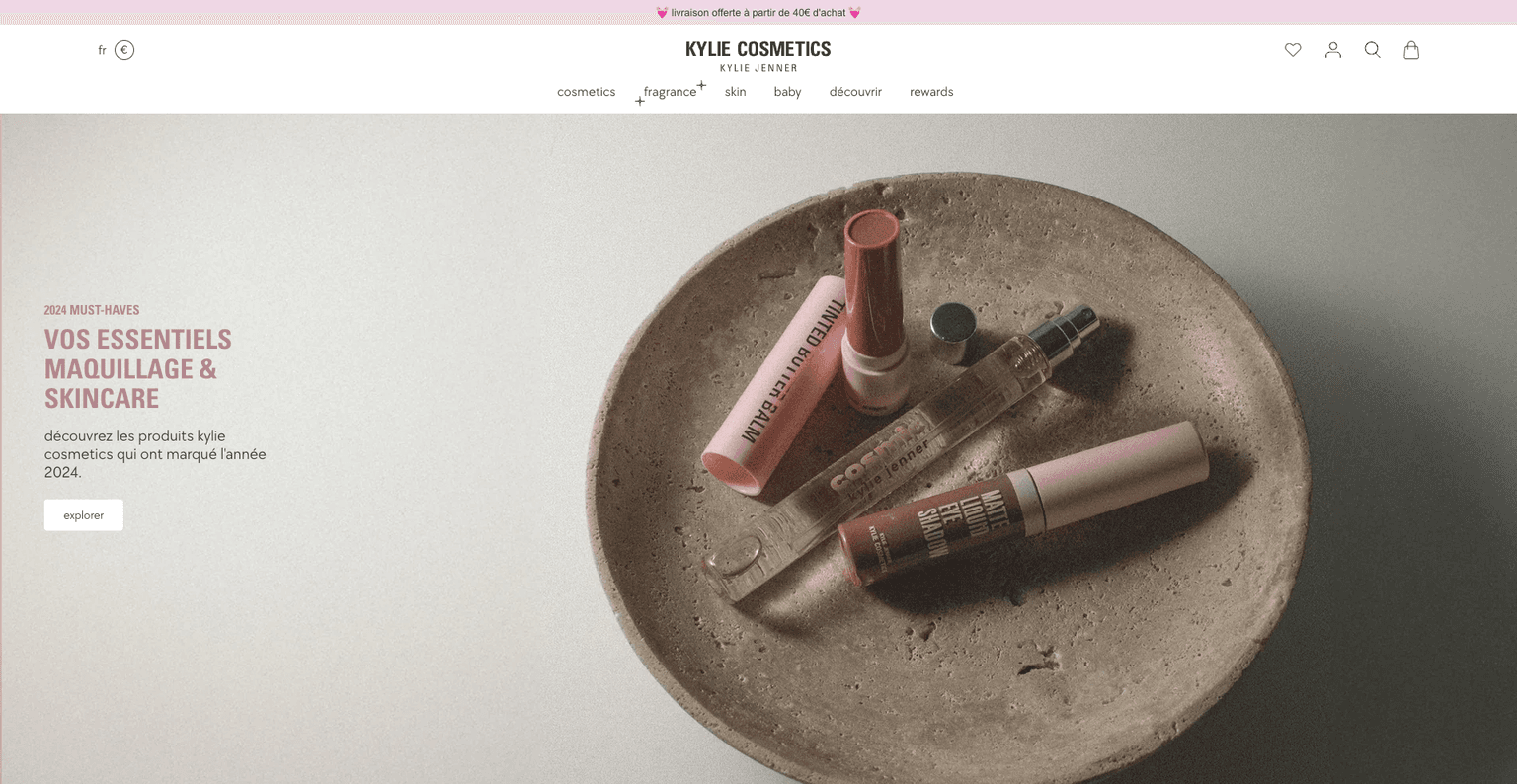
Kylie Cosmetics
Kylie Jenner's beauty brand demonstrates Shopify's ability to manage millions of visitors and orders during product launches.
Webflow: the ultimate no-code tool for visually impactful websites

Webflow stands out as a cutting-edge no-code solution, combining the power of a visual site builder and the flexibility of a CMS. This is the 2024 favorite! Thanks to a drag-and-drop interface, it allows users to create professional websites with extensive customization and without touching the code. Webflow is particularly appreciated for its ability to produce pixel-perfect designs while generating clean and optimized code.
“Giving everyone the power to create for the web”
👥 Who is Webflow for?
🤝🏻 What level of accessibility?
Webflow is aimed at a diversity of profiles:
- Web designers looking to translate their designs into functional sites without using a developer.
- Entrepreneurs and startups wanting an aesthetic and efficient site without depending on expensive agencies.
- SMEs and large companies requiring complex sites or advanced functionalities while maintaining simple internal management.
Although Webflow is accessible to everyone thanks to its intuitive interface, a learning curve is expected to master its advanced features, particularly for animations or dynamic database management.
Webflow University, a library of free tutorials, makes this easy to get started.
☘️ The main advantages of Webflow
Flexibility and full control over design
Unlike other builders, Webflow allows you to create completely custom designs, perfect for custom projects.
Powerful integrated CMS
Ideal for managing blogs, portfolios or complex databases, with dynamic templates that adapt automatically.
Performances et SEO
Webflow generates clean HTML, CSS, and JavaScript, which improves load times and SEO performance. Native features like meta tags, automatic sitemaps, and mobile compatibility boost SEO.
Advanced animations and interactions
Webflow offers powerful tools for integrating sophisticated animations and interactions, providing a premium user experience.
Integrated hosting
Webflow takes care of everything with fast, secure, and scalable hosting thanks to AWS and a global CDN.
🚫 The limits of no-code with Webflow
- Relative complexity for beginners: Advanced features, although intuitive, can intimidate users without experience in design or site management.
- Cost: Plan pricing can be high for small projects or sites requiring multiple premium features.
- Limited e-commerce features: although Webflow offers tools for creating online stores, they remain less robust than those of dedicated solutions like Shopify.
Webflow Success Stories
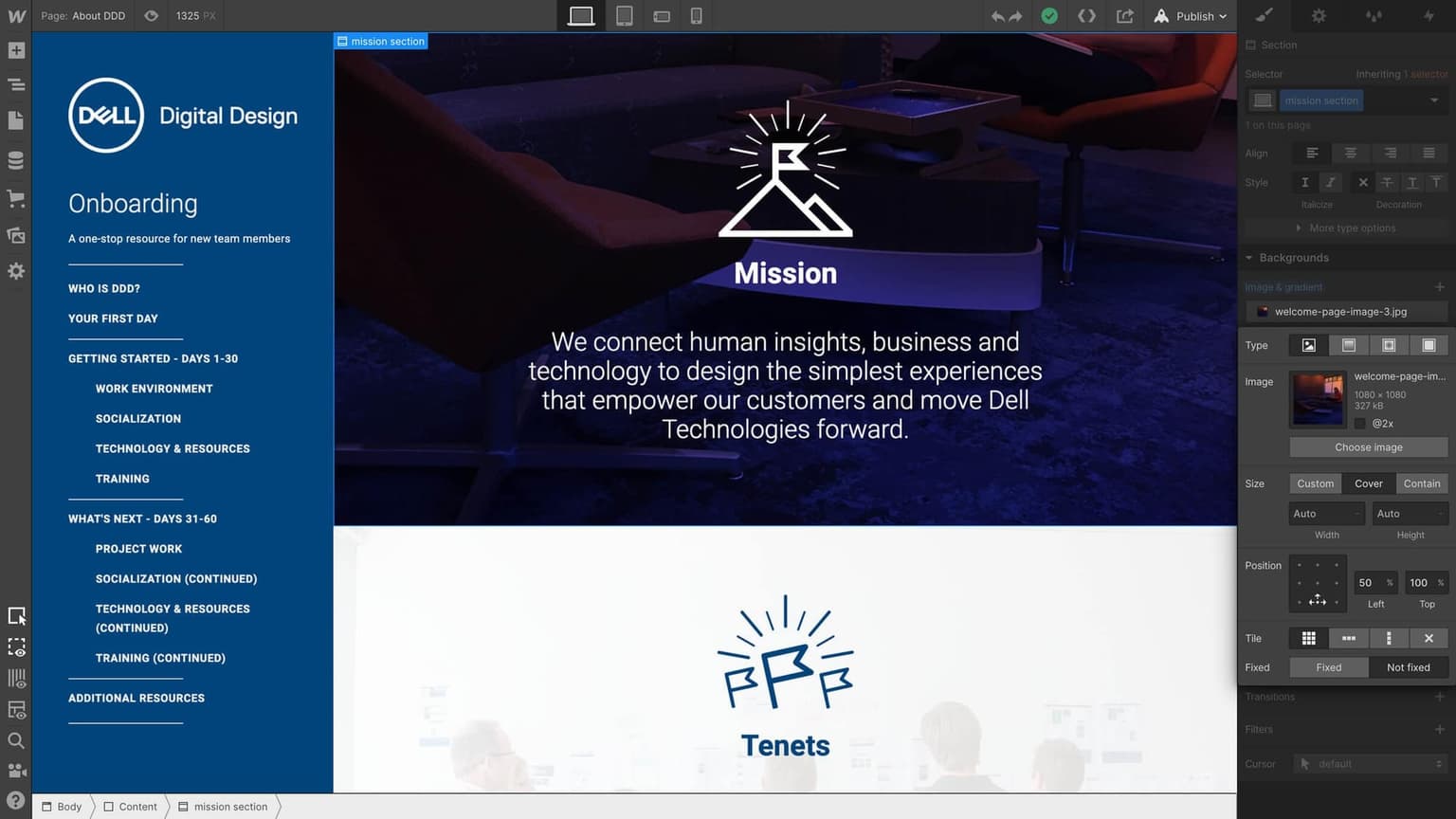
Dell
Webflow enabled the tech brand to create high-impact microsites, quickly and without reliance on a development team.
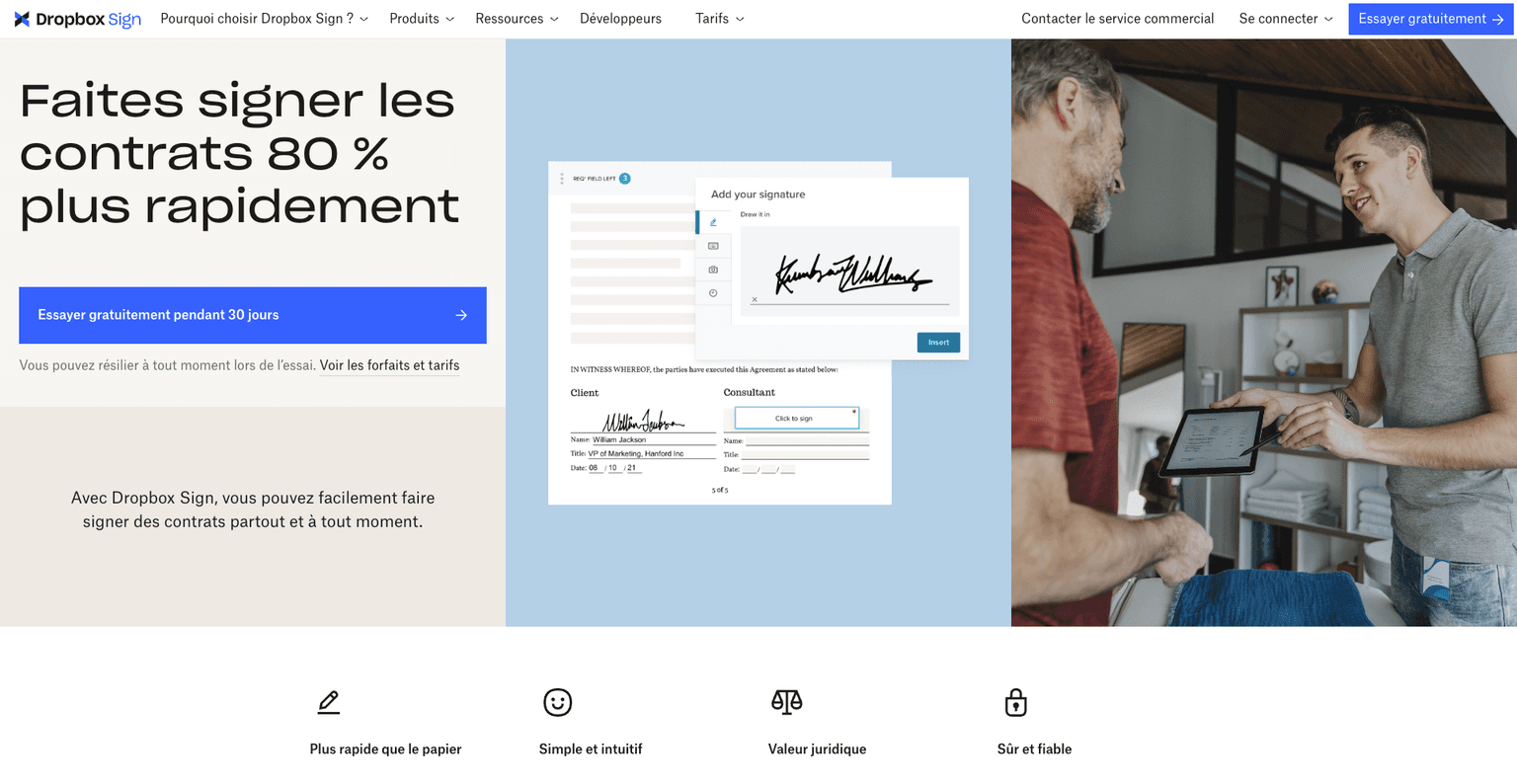
DropboxSign
A major player in electronic signature solutions, which uses Webflow for an elegant and efficient site.
Bubble: the leader in no-code for complex web applications

Bubble is a revolutionary no-code solution that allows you to create complete web applications without writing a single line of code. Thanks to its visual editor, it offers unparalleled flexibility to design interfaces, define complex workflows and manage a robust database. With growing adoption, continued improvements in scalability, and a booming ecosystem, the platform is positioning itself as a must-have tool for businesses and startups looking to innovate quickly.
In 2025, Bubble could well establish itself as the leader in no-code for ambitious and tailor-made projects. And at Smotly, we firmly believe in its potential. We have also chosen to train our teams in Bubble in order to maximize its impact and offer even more agile and efficient solutions to our customers.
👥 Who is Bubble for?
🤝🏻 What level of accessibility?
Bubble is mainly aimed at:
- Entrepreneurs and startups who want to quickly test an idea or launch a web application without recruiting developers.
- SMEs looking to develop tailor-made tools for their internal operations or large-scale digital products.
- Large accounts and agencies wishing to develop specific solutions while minimizing development times and costs.
Bubble is accessible even to beginners thanks to its visual editor and its educational resources.
However, to master all its subtleties, notably the logic of workflows and the design of complex databases, training is often necessary to exploit its full potential.
☘️ The key benefits of Bubble
Total flexibility
Bubble allows you to design complex web applications with tailor-made features, ranging from user management to advanced API integrations.
Integrated database
The tool includes intuitive database management, making it easier to manipulate dynamic data and display it in real time.
Powerful ecosystem
A growing library of plugins and integration possibilities via API open up almost unlimited possibilities for connecting Bubble to other tools or services.
Automated workflows
Define conditional actions or complex automations to deliver an optimal user experience.
Scalability
Bubble scales to business needs, with options to increase server capacity in case of rapid growth or high demand.
🚫 The limits of no-code with Bubble
- Learning curve: for very complex applications, a deep understanding of Bubble logic is necessary
- Performance related to scalability: Although Bubble is scalable, applications with massive volumes of data may require specific optimization or additional investments.
- Cost for advanced features: Pricing plans can be expensive for large projects requiring premium options or dedicated servers.
Successes that speak for themselves
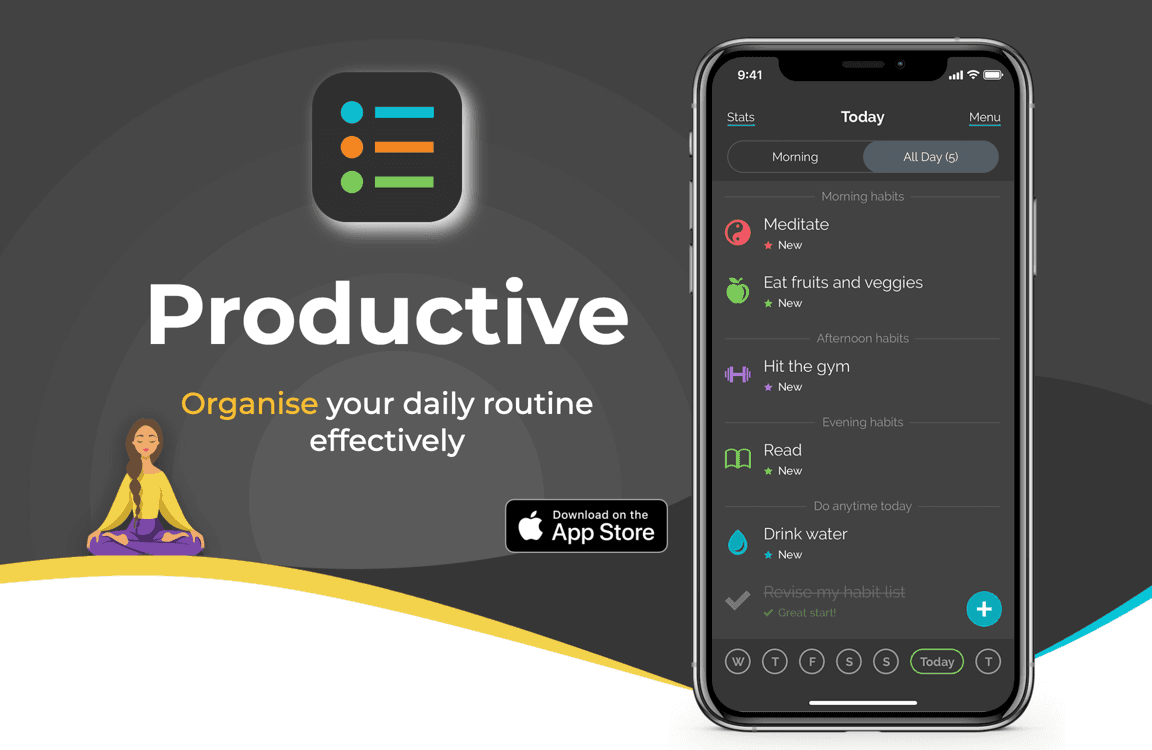
The productive
This task management and productivity application chose Bubble to create a flexible and personalized solution.
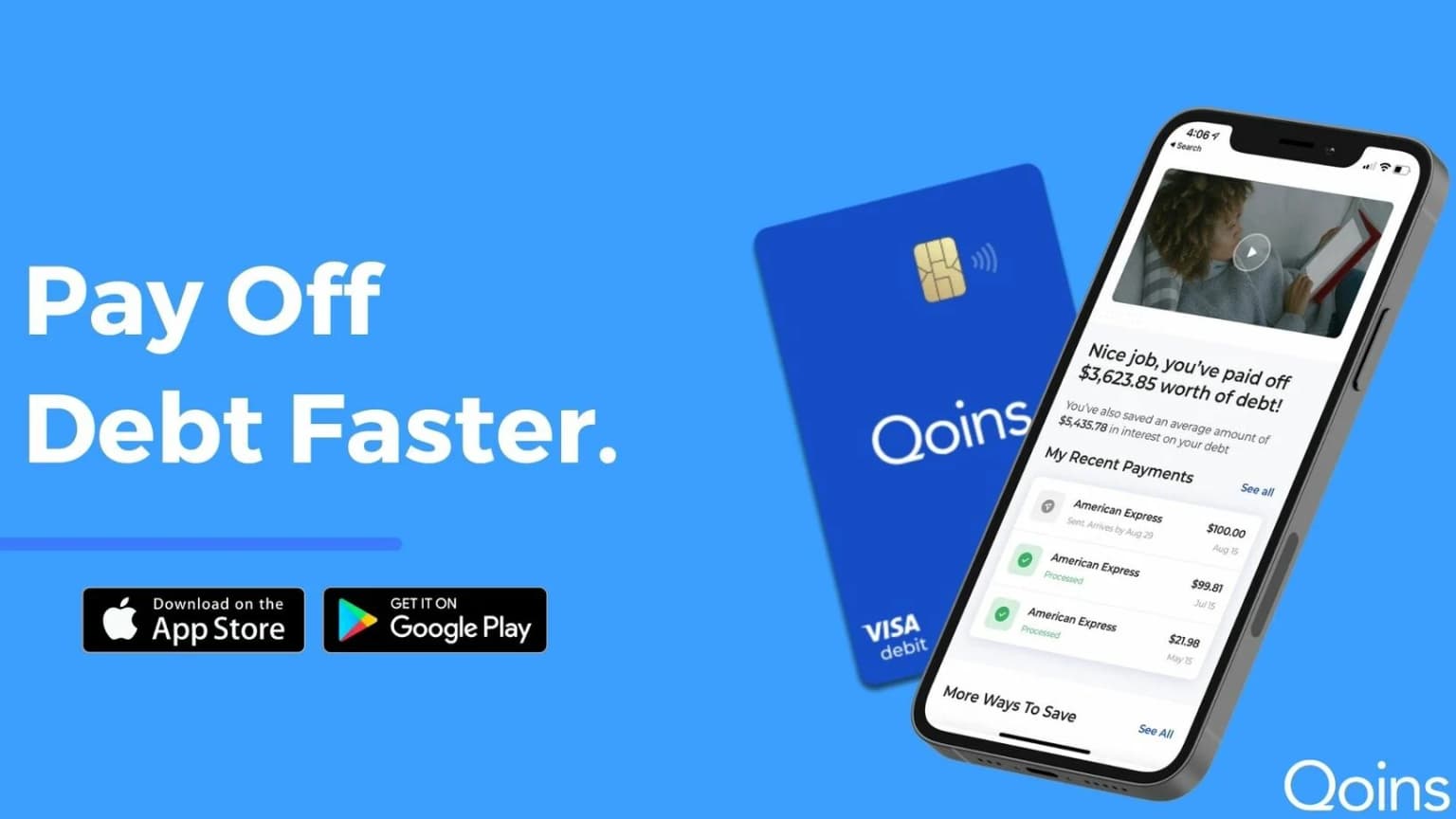
Qoins
A savings and debt repayment app that has raised millions using Bubble as its technological foundation.
Zapier : le pionnier de l’automatisation no-code

Zapier is the reference no-code solution for connecting applications and automating repetitive tasks. It is considered a pioneer of no-code automation due to its early launch in 2011 and its key role in democratizing workflow automation. With its large ecosystem of integrations (more than 5,000 applications) and its intuitive interface, Zapier has enabled millions of users, even without technical skills, to easily connect their tools (Gmail, Slack, Trello, Saleforces, etc.) and automate tasks (“zaps”). This simplicity and its massive adoption make it the historic market leader.
“Simplify automation to allow everyone to focus on what really matters. »
👥 Who is Zapier for?
🤝🏻 What level of accessibility?
Zapier s’adresse aux :
- Entrepreneurs and freelancers who want to free themselves from manual tasks and increase productivity.
- SMEs and startups looking to automate their processes without technical expertise.
- Marketing, HR or customer support teams wishing to streamline their collaboration between tools.
Zapier is the ideal tool for getting started with automation.
Its learning curve is low, and its clear interface allows you to create workflows in minutes, even without technical skills.
☘️ The major advantages of Zapier
Large library of integrations
Over 5,000 compatible apps, covering popular and niche tools.
Simplicity and speed
An easy-to-use interface, even for non-technical people.
Automatisations puissantes
Create multi-step workflows with easy-to-configure conditions and filters.
Scalability
Suitable for small and large businesses alike thanks to varied plans and complex automation support.
🚫 The limits of no-code with Zapier
- Very complex workflows can reach Zapier's functional limits.
- Costs increase with heavy usage or multi-step automations.
- Advanced data management is limited compared to alternatives like Make.
Note that the CMS Make (formerly Integromat) is quickly gaining popularity, especially among businesses and technical users who need complex and personalized automations. Its rise could allow it to catch up or even surpass Zapier in certain segments by 2025.
Iconic Zapier references
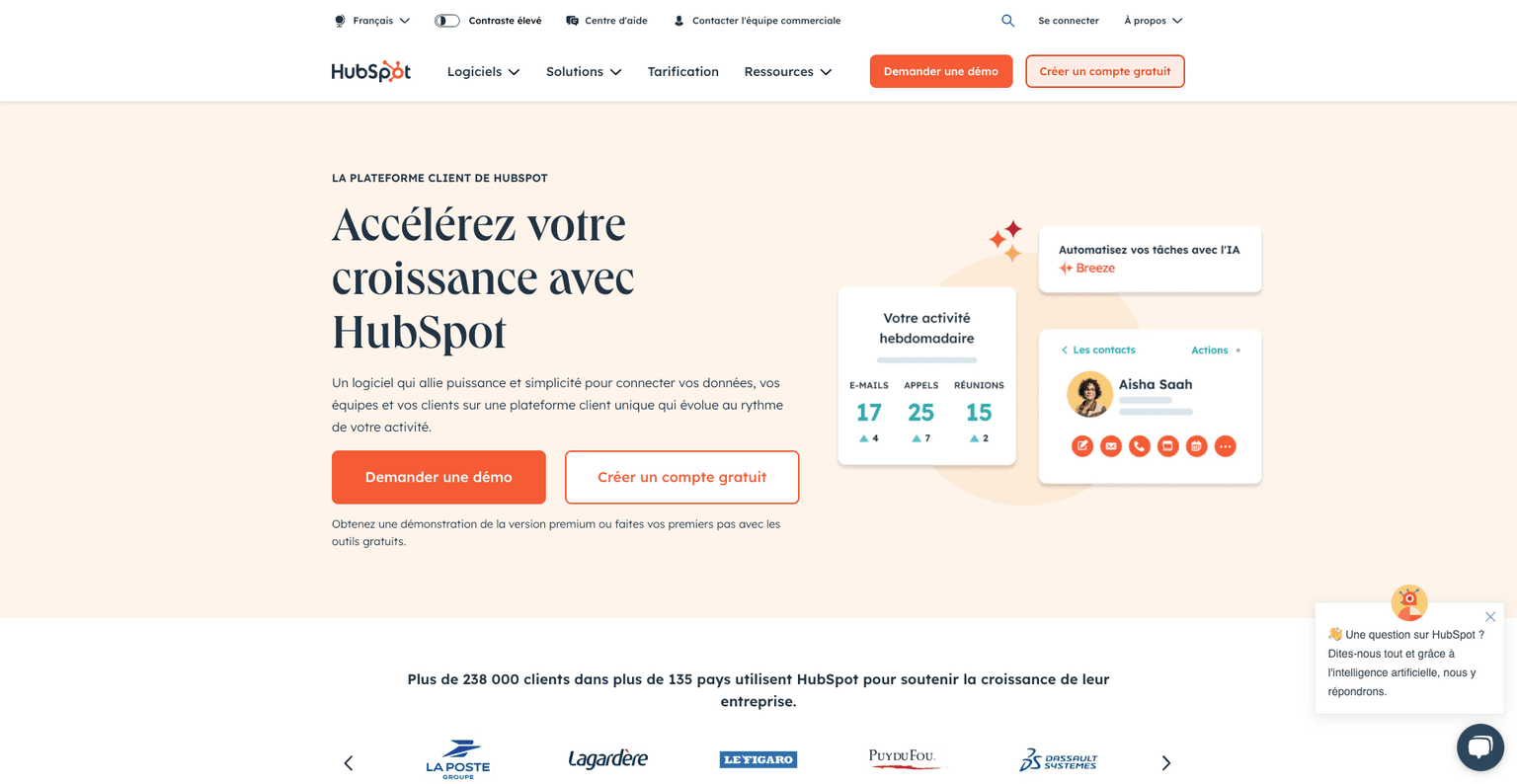
HubSpot
Uses Zapier to connect its CRM tools with third-party platforms.
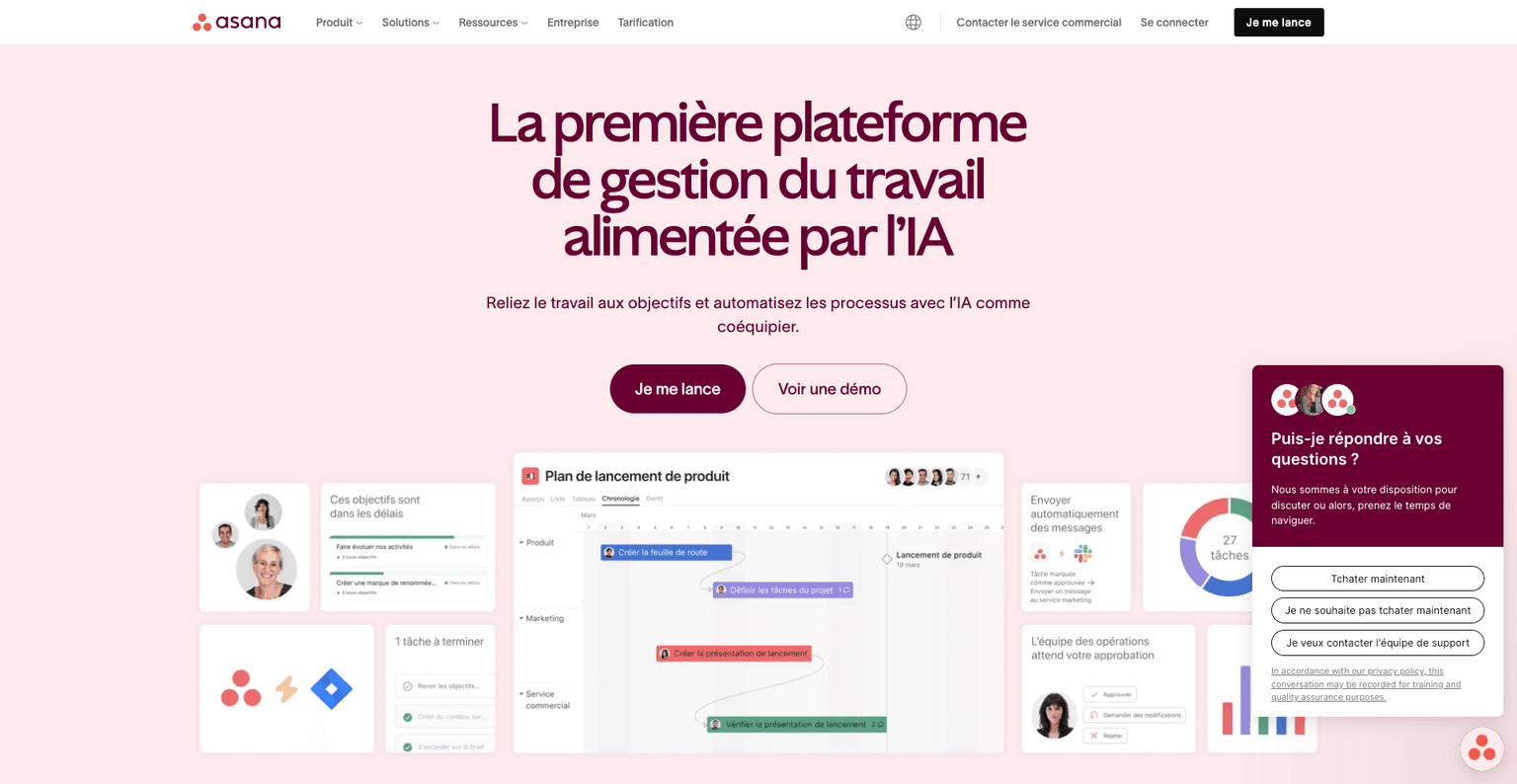
Asana
Delivers seamless workflows by connecting team tasks to other applications used daily.
No-code: how far can we go?
Limited customization No-code tools reach their limits when it comes to designing very specific features or customizing advanced elements. For example, building a product configurator with Shopify for an e-commerce site will require coding or finding another alternative.
Platform dependency Your project is closely linked to the chosen tool. You are therefore constrained by its developments, restrictions or pricing changes.
Recurring Costs As your project grows and consumes more resources, subscription or usage fees can quickly mount, affecting your budget in the long term. Adding automation or apps to your no-code site offers a better user experience but the associated costs should be anticipated.
Performance issues Complex applications built on no-code solutions may suffer from slowdowns or scalability limitations linked, in particular, to the capacities of shared servers.
Difficult export and migration Moving a project to another platform or switching to custom code can be an expensive, time-consuming, or even impossible process in some cases.
Learning curve for advanced workflows Although no-code simplifies the basics, mastering complex features requires time and effort.
Why code when you can click?
No-code tools have become essential for quickly bringing projects to fruition without mobilizing significant technical resources. Entrepreneur, student or business manager, these solutions offer invaluable flexibility to realize your ideas and automate your processes.
Take the time to test these platforms to find the one that best suits your needs! It is crucial to anticipate the needs and developments of a project before relying solely on no-code tools.
At Smotly, we support you in this no-code adventure! Do not hesitate to contact us to tell us about your project and identify the best solution!