

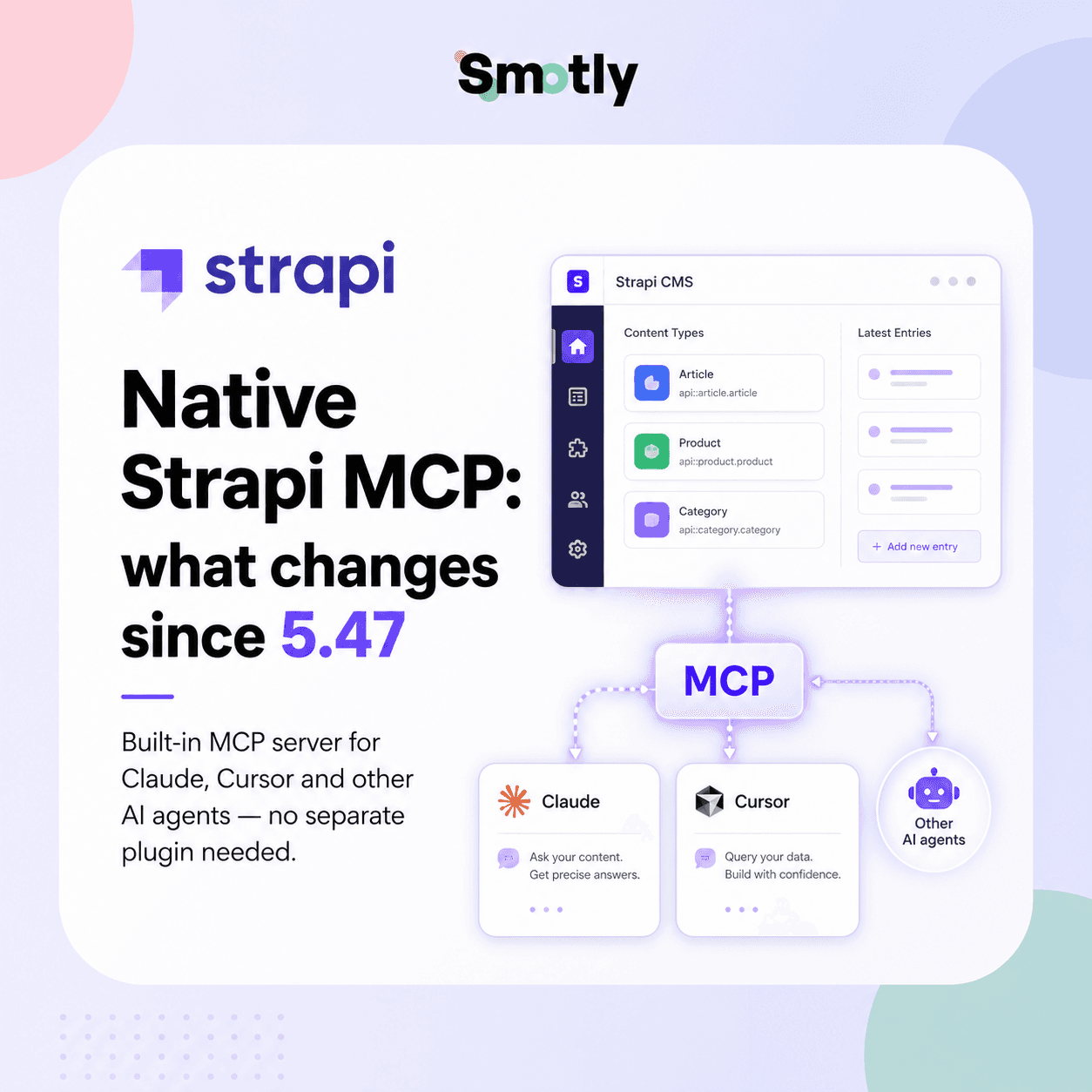
Native Strapi MCP: what just changed
Strapi has just reached an important milestone with Strapi 5.47.0, released on npm on May 28, 2026: the CMS now exposes an integrated MCP server. The official documentation presents it as a feature for exposing content management tools to AI clients via a built-in MCP server.
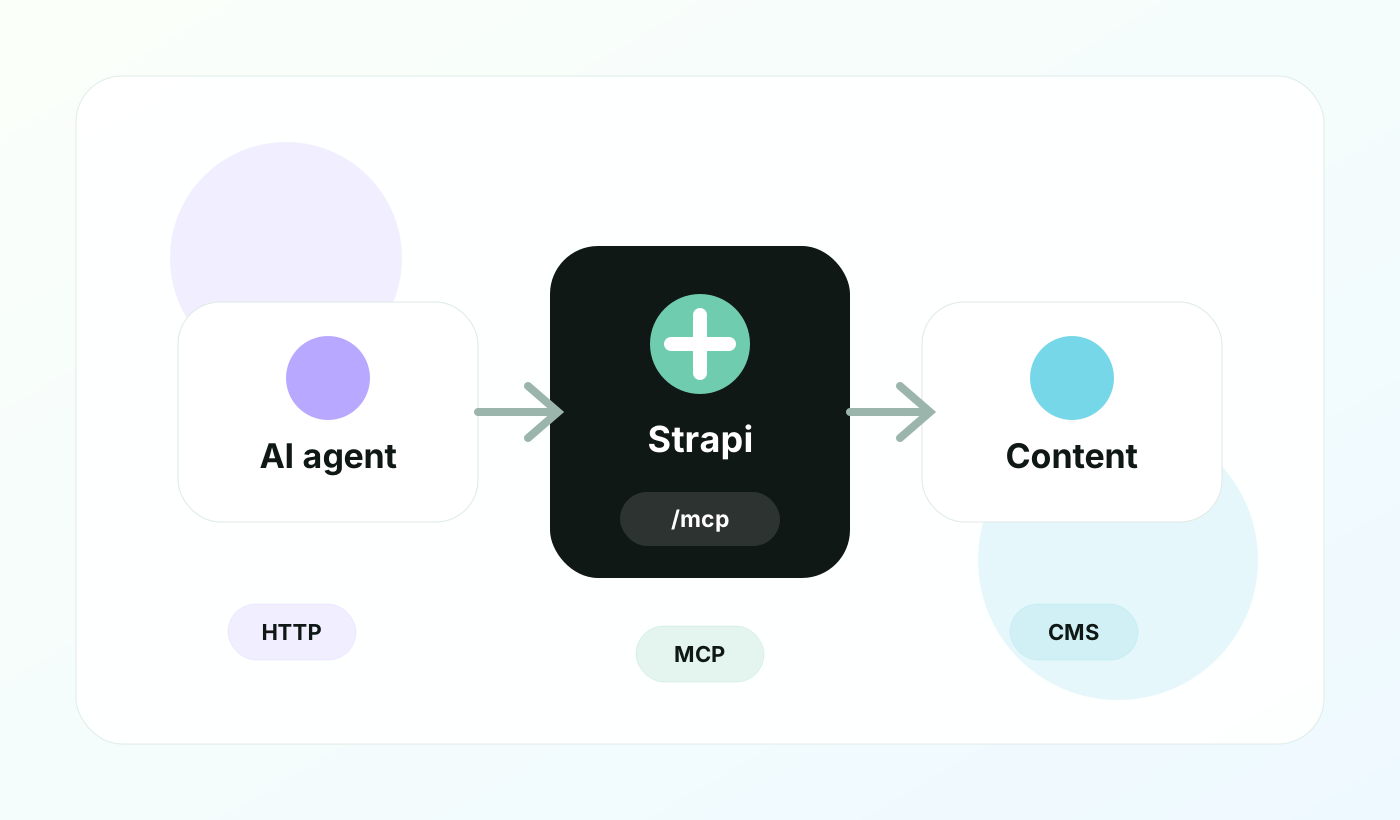
Concretely, once activated, an MCP compatible client such as Claude Desktop, Claude Code, Cursor, Windsurf or another tool can connect to your Strapi instance, discover the available tools, then create, read, modify, publish or unpublish content in natural language. Everything goes through the permissions of an Admin token.
This nuance changes a lot of things. An MCP plugin or sidecar can be useful for prototyping, but it adds a brick to deploy, monitor and secure. The native MCP fits directly into Strapi logic: content model, Admin, local, Draft & Publish permissions, plugin extensions.
Why MCP is a game changer for a headless CMS
MCP, for Model Context Protocol, standardizes the way an AI agent discovers and calls tools. For a headless CMS, this is particularly interesting: the content is no longer only exposed to a front-end via REST or GraphQL, it also becomes manipulable by agents who understand a common protocol.
In a Strapi + Next.js stack, this opens up a new family of uses: prepare a translation, create a draft article, find the latest content in a category, apply an editorial correction, publish a page after validation, or even connect business tools exposed by a Strapi plugin.
What this really changes
Actionable AI agents
The agent no longer just advises: he can create a draft, list content or prepare an update in the CMS.
A governed perimeter
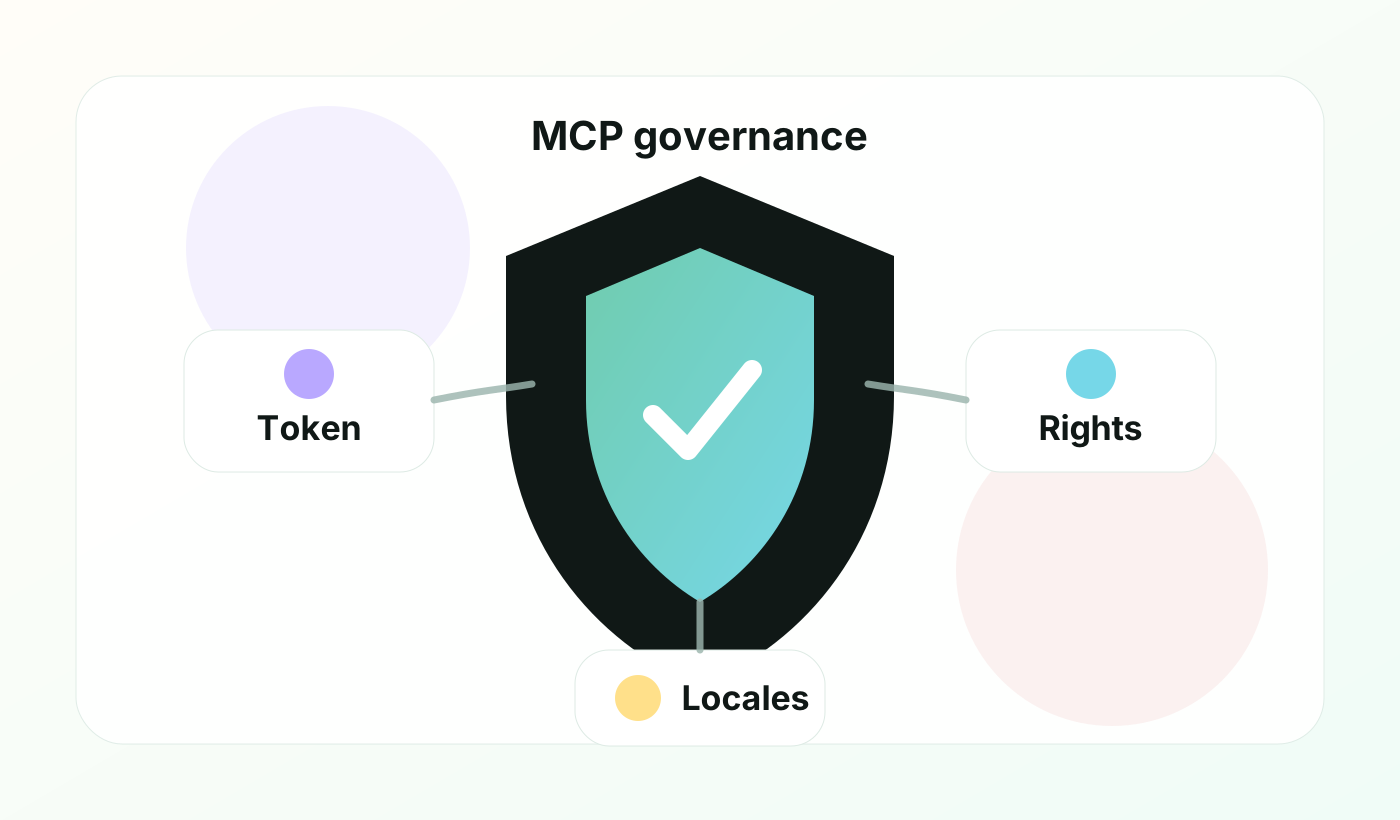
Visible tools are filtered by the Admin token permissions. Strapi's safety model remains at the center.
An extension on the plugin side
Strapi plugins can register their own MCP tools via the strapi.ai.mcp service.
Un usage compatible i18n
When i18n is activated on a content type, the MCP tools accept a locale and the agent sees the available languages according to its rights.
Comment activer le serveur MCP Strapi
The MCP server is disabled by default. You must activate it in the Strapi server configuration, then restart the application. The endpoint then becomes available on `/mcp`, for example `http://localhost:1337/mcp` locally.
ts// config/server.ts
import type { Core } from "@strapi/strapi";

const config = ({ env }: Core.Config.Shared.ConfigParams): Core.Config.Server => ({
  host: env("HOST", "0.0.0.0"),
  port: env.int("PORT", 1337),
  app: {
    keys: env.array("APP_KEYS"),
  },
  mcp: {
    enabled: true,
    connectTimeoutMs: 10000,
    requestTimeoutMs: 120000,
  },
});

export default config;
Then, you must create an Admin token in the administration panel. It is this token which carries the rights: read only, creation of drafts, publication, rights to certain premises, access or not to certain fields. It is also what must be transmitted to the MCP client via an `Authorization: Bearer` header.
json{
  "mcpServers": {
    "strapi-mcp": {
      "type": "streamable-http",
      "url": "http://localhost:1337/mcp",
      "headers": {
        "Authorization": "Bearer YOUR_ADMIN_TOKEN"
      }
    }
  }
}
The example above corresponds to the Cursor format. Claude Desktop can use `mcp-remote`, Claude Code accepts a `claude mcp add` command, and other compatible clients use the same principle: `streamable-http` transport, `/mcp` URL, `Authorization` header.
What tools can the AI agent use?
Strapi automatically generates MCP tools from your content schema. The exact number depends on the type of content, the permissions granted, and whether Draft & Publish is enabled.
| Type | Possible tools | Necessary rights | Use cases |
|---|---|---|---|
| Collection type | list, get, create, update, delete, publish, unpublish, discard_draft | read, create, update, delete, publish | Articles, pages, product sheets, news |
| Single type | get, write, delete, publish, unpublish, discard_draft | read, create/update, delete, publish | Homepage, SEO settings, institutional page |
| Utilitaire dev | log | Development mode | Debug server-side MCP interactions |
| Plugin Strapi | Custom tools, prompts and resources | Policies declared by the plugin | Inventory, workflows, business validations, internal connectors |
This is precisely where native MCP becomes interesting for customer projects. We can imagine a read-only token for the editorial audit, a draft creation token for the content team, and a more powerful token reserved for a controlled workflow in pre-production.
i18n and editorial workflow: the detail that counts
The Strapi documentation specifies that MCP tools accept a `locale` parameter when internationalization is enabled on a content type. If the locale is not specified, Strapi uses the default locale, within the limits of the token permissions.
For an international team, this is a very concrete point. The agent can help prepare an English variant, but you can limit its token to certain languages, certain fields, or to creating drafts only. We thus retain the power of automation without removing editorial control.
Security and governance: our checklist
The MCP Strapi server is stateless: each POST request to `/mcp` creates an ephemeral instance of the MCP server, authenticated and authorized independently. This means that a token revocation or permission change takes effect upon the next request.
- 1Create one Admin token per AI client and per use case, never a generic token shared between several tools.
- 2Start with a read-only token to test the discovery of the tools and the quality of the responses.
- 3Separate environments: local, pre-production, production. Do not start with an MCP connection in production.
- 4Limit publication rights. For sensitive content, the agent prepares a draft and a human publishes it.
- 5Document authorized prompts and prohibited scenarios: deletion, mass publication, modification of regulatory pages.
- 6Monitor logs and content created by agent, especially during the first weeks.
Current limits to be aware of
The functionality is recent and still needs to be seriously defined before putting it into a critical workflow. The most important official limits are:
- Dynamic zones: They are exposed as untyped arrays in tool schemas. The agent does not always see the detailed internal structure of the components.
- Nested population: the `list` and `get` tools do not support nested population parameters for relationships.
- Media Upload: MCP can reference existing media, but does not upload new files. You have to go through the Strapi media library or the upload API.
- Custom fields: custom fields are reverted to their underlying Strapi type if the registry is available, otherwise they may fall to an unknown type.
- Circular references: Strapi avoids infinite recursive patterns and switches to a more open structure at the point of the cycle.
Our reading: it is already very useful for structured content and structured workflows, but it is not yet a magic wand for frictionlessly controlling very complex editorial models with dynamic deep zones and multiple relationships.
What this changes for a Strapi + Next.js stack
On the architectures we build at Smotly, Strapi is often coupled with Next.js, PostgreSQL, a media CDN, previews and publishing workflows. Native MCP adds a layer of editorial automation without replacing the front API.
Realistic use cases
Prepare for a content migration
List, compare and enrich content before import or before redesign, with a token limited to pre-production.
Speed up editorial
Create drafts, propose SEO titles, fill in missing fields or prepare a translation to proofread.
Auditer la structure
Explore visible content types, spot incomplete fields, and document editorial quality.
Showcase business tools
A Strapi plugin can publish its own MCP tools for internal actions: inventory, quality control, synchronization or validation.
The right approach is therefore not to let an AI agent control the entire CMS. The right approach is to choose a precise workflow, a precise environment, a precise token, then to measure what automation saves without degrading security or editorial quality.
Strapi MCP natif vs plugin MCP : ne pas confondre
| Criterion | MCP natif Strapi 5.47 | Plugin ou wrapper MCP |
|---|---|---|
| Deployment | Integrated with Strapi HTTP server | Separate brick or plugin to maintain |
| Endpoint | `/mcp` on Strapi instance | Varies depending on implementation |
| Permissions | Admin tokens et permissions Strapi | Implementation dependent |
| Tools | Generated from the content schema | Often defined by the plugin/wrapper |
| Extensions | `strapi.ai.mcp` API for plugins | API propre au plugin ou au serveur externe |
The MCP plugins had the merit of exploring the subject before native integration. But for customers who want to industrialize, reduce the maintenance surface and stay close to the Strapi security model, native MCP naturally becomes the preferred option.
Our Smotly recommendation
If your project is already on Strapi 5, Strapi MCP is worth a quick test in pre-production. The first sprint can be very short: activation, read-only token, Cursor or Claude connection, inventory of visible tools, then creation of a test draft in a non-critical collection.
If you are still in Strapi v4, this new feature reinforces the interest in migrating to Strapi 5, but it should not be the only argument. You have to look at the whole thing: Document Service API, i18n, versioning, performance, plugin compatibility, content strategy and existing debt. Our guide to Strapi v4 to v5 migration remains the right starting point.
Sources used
Written by
Theodore
Smotly
We support Strapi, Next.js and AI projects with a simple obsession: useful, maintainable and governed architectures.
Talk to the team